
i-RTC Payment Failed but Money Deducted? Here’s How to Get Your Refund
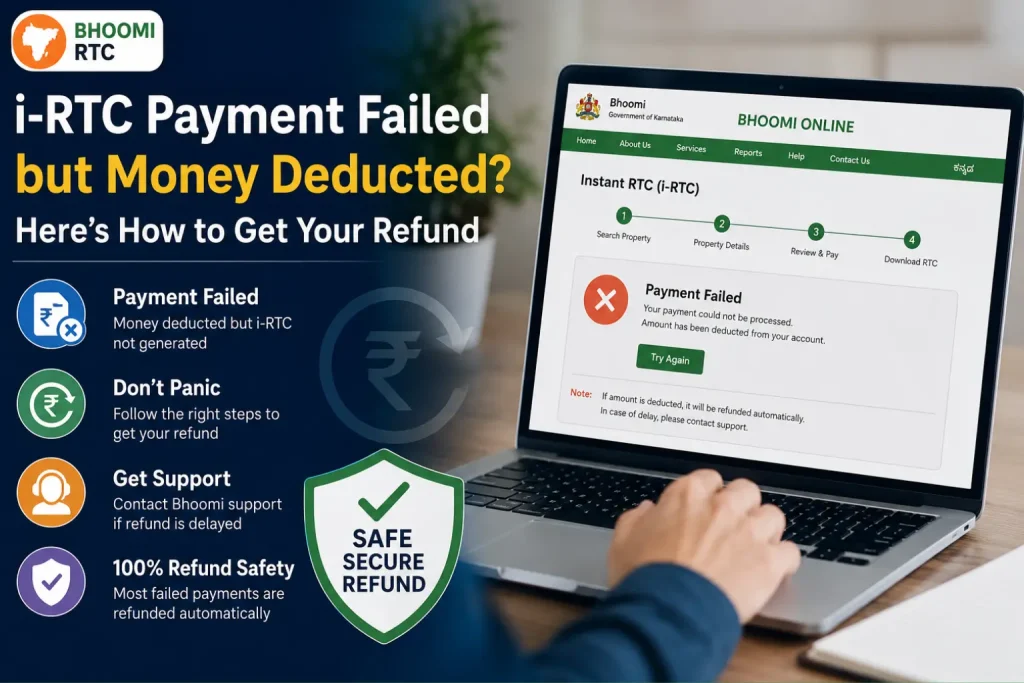
If your i-RTC Payment Failed Refund but money was deducted from your bank account, don’t panic. This is one of the most common issues faced by users on the Bhoomi RTC Online .
What Is i-RTC?
i-RTC (Instant RTC) is a digitally signed land record document available on the Karnataka Bhoomi portal.
It is commonly used for:
Unlike the normal RTC view option, i-RTC is an official certified document that requires online payment.
Why Does i-RTC Payment Fail?
There are several reasons why an i-RTC payment may fail during processing.
Common Reasons for Payment Failure
1. Bhoomi Server Overload
Heavy traffic on the Bhoomi portal can interrupt payment confirmation.
2. Slow Internet Connection
Weak internet may disconnect the payment process midway.
3. Payment Gateway Timeout
Sometimes the bank or UPI server takes too long to respond.
4. Browser or Session Issues
Old browsers, multiple tabs, or expired sessions can also create payment problems.
5. Bank Processing Delays
In some cases, money gets deducted but payment confirmation does not reach the Bhoomi server.
Signs That Your i-RTC Payment Failed Refund
You are likely facing a failed payment issue if:
This issue is very common during heavy traffic periods.
i-RTC Payment Failed but Money Deducted — What to Do?
Follow these steps carefully if your payment failed.
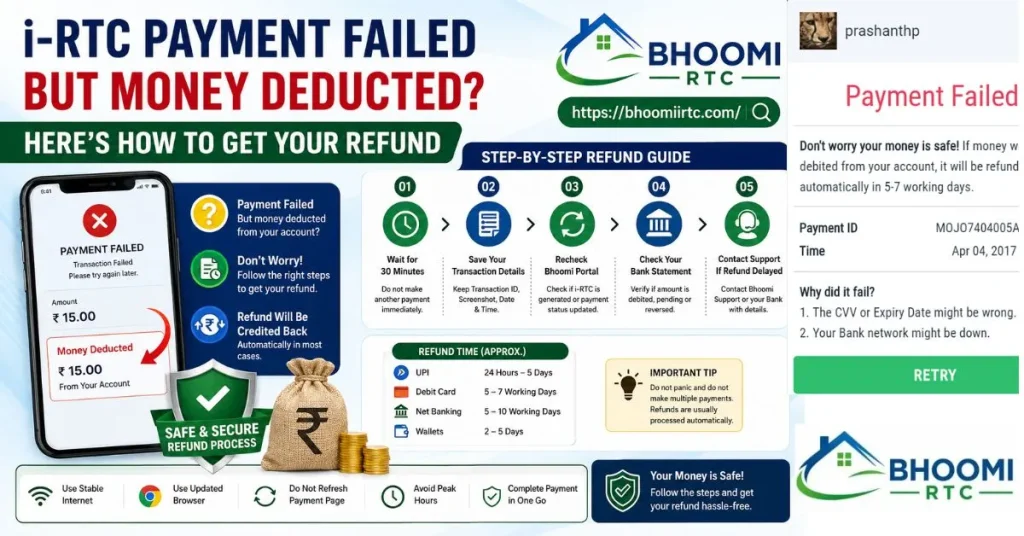
Step 1: Do Not Make Another Payment Immediately
This is the biggest mistake most users make. Sometimes payments are successful in the background even if the portal shows an error.
- Wait at least 30 minutes to 2 hours before trying again.
- Duplicate payments can create refund complications.
Step 2: Save Your Transaction Details
Immediately save:
- Transaction ID
- UTR number
- Payment screenshot
- Bank SMS
- Date and time
These details are important for refund tracking.
Step 3: Recheck the Bhoomi Portal
Go back to the Bhoomi portal and check:
- Download section
- Payment history
- RTC status
Sometimes the document becomes available later even after an error message.
Step 4: Check Your Bank Statement
Open your:
- Banking app
- UPI app
- SMS inbox
- Passbook
Check whether the payment status shows:
- Successful
- Pending
- Reversed
Many failed UPI transactions are automatically reversed.
How Long Does i-RTC Payment Failed Refund Take?
In most cases, refunds are processed automatically.
| Payment Method | Refund Time |
|---|---|
| UPI | 24 hours to 5 days |
| Debit Card | 5–7 working days |
| Net Banking | 5–10 working days |
| Wallets | 2–5 days |
Bank holidays may increase processing time.
What to Do if Refund Is Not Received?
If you do not receive your refund after 7 working days, follow these steps.
Duplicate Payment Made by Mistake
Submit:
- Save both transaction IDs
- Contact Bhoomi support
- Request a refund for the duplicate payment
Issue example:
“i-RTC payment deducted but document not generated.”
Contact Your Bank or UPI Provider
You can also contact:
- Your bank support
- Google Pay support
- PhonePe support
- Paytm support
Ask them to check whether the payment is:
- Pending
- Failed
- Reversed
- Successful
Common i-RTC Payment Failed Refund Problems
Contact Bhoomi Support
This usually happens when users retry payment immediately.
Solution
- Save both transaction IDs
- Contact Bhoomi support
- Request duplicate payment refund
Refund Processed but Money Not Received
Sometimes the refund is processed but takes extra time to appear.
Solution
Wait: 2–3 additional working days and recheck your bank statement.
UPI Payment Pending
UPI apps may show:
- Processing
- Pending
- Awaiting confirmation
for several hours.
Solution
Usually the payment either:
- gets refunded automatically
- or completes successfully later
Tips to Avoid i-RTC Payment Failure
To reduce payment issues:
Frequently Asked Questions
Final Thoughts
The “i-RTC Payment Failed Refund but money deducted” issue is extremely common on the Bhoomi portal. The good news is that most failed payments are temporary and refundable. You can also read SSLR Revenue Maps Karnataka
The most important things to remember are:
If you follow the steps explained in this guide, you can solve most i-RTC refund issues quickly and safely.


